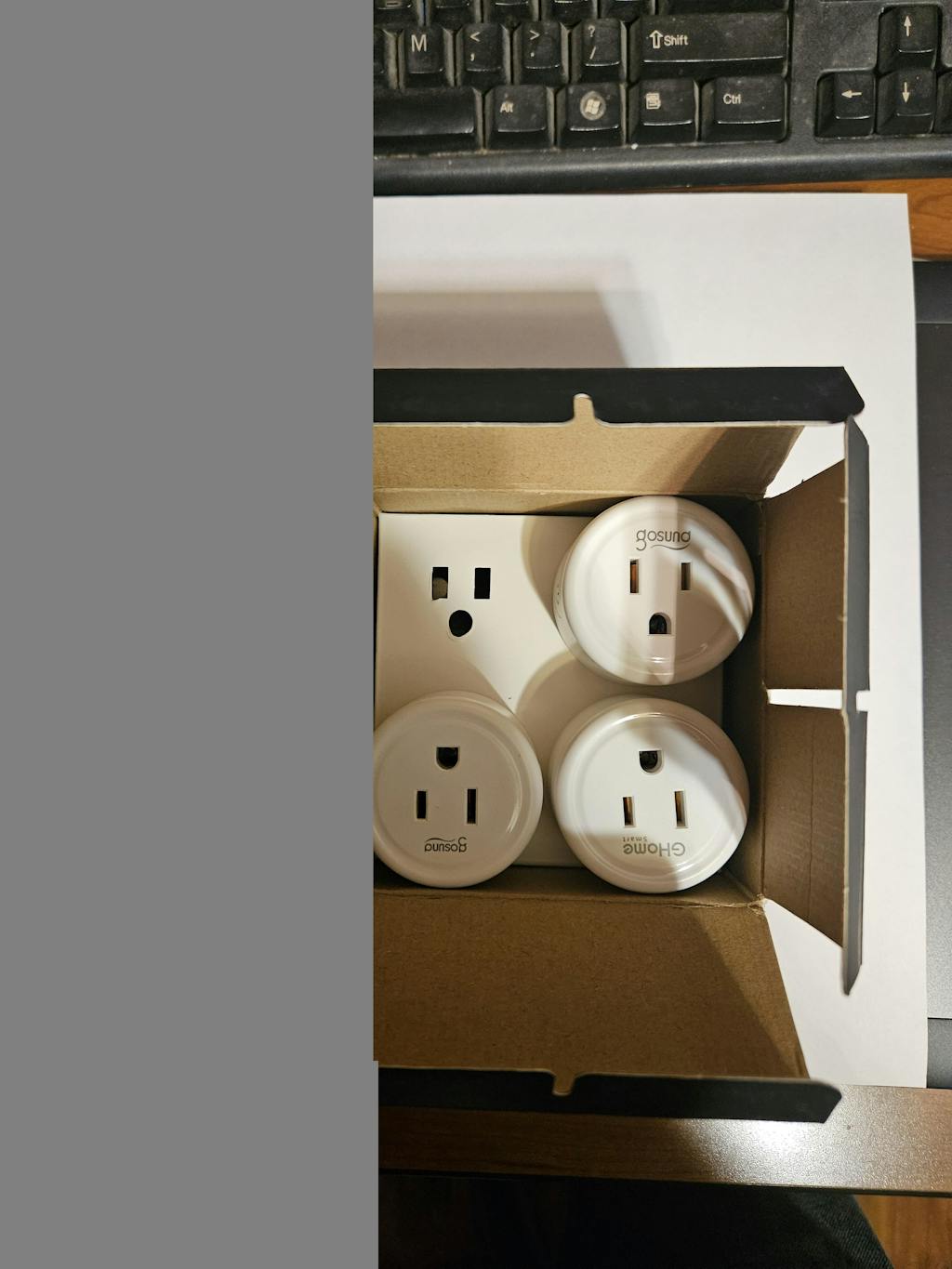
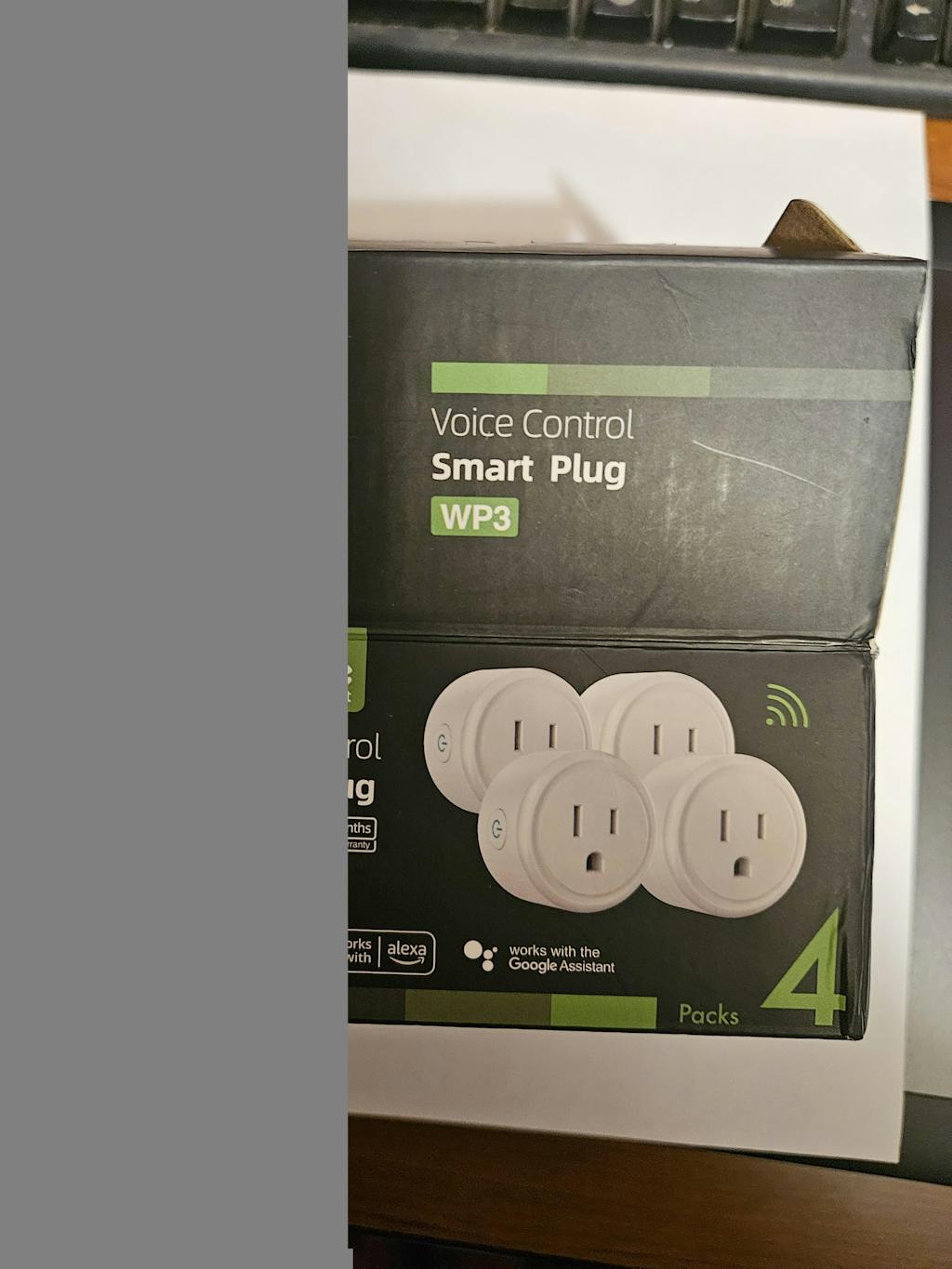
GHome Wi-Fi Smart Plug Mini 10A WP3

GHome Wi-Fi Smart Plug Mini 10A WP3

Product form

$42.99 $25.99

SKU: WP3-4-01

Out of stock, Delivered within 2 weeks

    • We offer Klarna in the checkout. Pay within 30 days.

      klarna
    • Free shipping above $75.00
    • 45 days return policy

      Overview

    • Safe designed & quick connection:
      Simply plugin and keep the smart outlet connected to your stable 2.4GHz network, the improved WiFi technology let you quick connection and stay stable.
    • Hand-free voice control:
      Smart plugs that work with Alexa and Google Home Assistant. Just give a simple voice command to Alexa or Google Assistant to control your connected home devices.
    • App remote control from anywhere:
      You also can control your smart plug via the APP directly when you are away, so long as your phone access a secure network (2.4G, 4G, or 5G Wi-Fi).
    • Schedules & auto-off timer:
      Easy to set timers and add schedules to connected devices circularly or randomly, making them work as scheduled like auto-off and auto-on.
    • Grouping control & sharing:
      Set a group for all wifi smart plugs and control them with simply one tap. Share your wifi plug smart outlets with all family members in a minute.

    FAQ

    What's the difference between WP3 and WP5?

    WP3 and WP5 are functionally identical, only the appearance is different.

    What APP Connections are Supported?

    Our smart outlets compatible with GHome APP.

    What Appliances are Supported?

    Apply to home appliances which Max load power 1200W, 10A, please check the load of your appliance before plugging in.

    How to Pair with the APP?

    1.Download the APP by scanning QR or searching. (Android5.0 or iOS 13.0 or above)

    2.Turn on the plug and put it close to the router when start pairing with APP. Set your Wi-Fi as 2.4G Wi-Fi for successful pairing)

    3.Press and hold the power button for 5-10 seconds until the indicator light will rapidly blink fast, EZ mode is available and wait for connected.

    4.Or try the second way, re-press and hold the on/off button for 5 seconds when the indicator blinking fast, then indicator light become blinking slow, AP mode is available and wait for connected.

    Note: When the socket changed network environment, you need to restore the factory settings (Remove the socket from outlet and plug in again, press and hold on to the power button for about 5-10 seconds), and then reconnect to the network

    Only support 2.4Ghz WiFi while connecting with APP. Apply to home appliances which Max load power1200W,10A, please check the load of your appliance before plugging in.

    Once connected, you can use your phone via 4G or 5G Wi-Fi to turn on/off the smart plug anywhere, Please keep the smart plug stay on 2.4G Wi-Fi range always.

    © 2026 GhomeSmart, Powered by Shopify

    • American Express
    • Apple Pay
    • Google Pay
    • Mastercard
    • PayPal
    • Shop Pay
    • Union Pay
    • Visa

    Login

    Forgot your password?

    Don't have an account yet?
    Create account