GHome Wi-Fi Smart Plug Outlet Extender P2

GHome Wi-Fi Smart Plug Outlet Extender P2

Product form

$38.00 $22.84

SKU: P2-1-01

In stock

    • We offer Klarna in the checkout. Pay within 30 days.

      klarna
      • Free shipping above $75.00
      • 45 days return policy

        Overview

      • Voice Control & Good for Christmas Lights:
        Smart outlet extender can work with Alexa and Google. Simple voice commands such as “Hi Alexa, turn on the fan”. You can name the alexa outlet plugs. Great smart devices and Alexa devices for home (2.4GHz WiFi only).
      • App Control & Schedule:
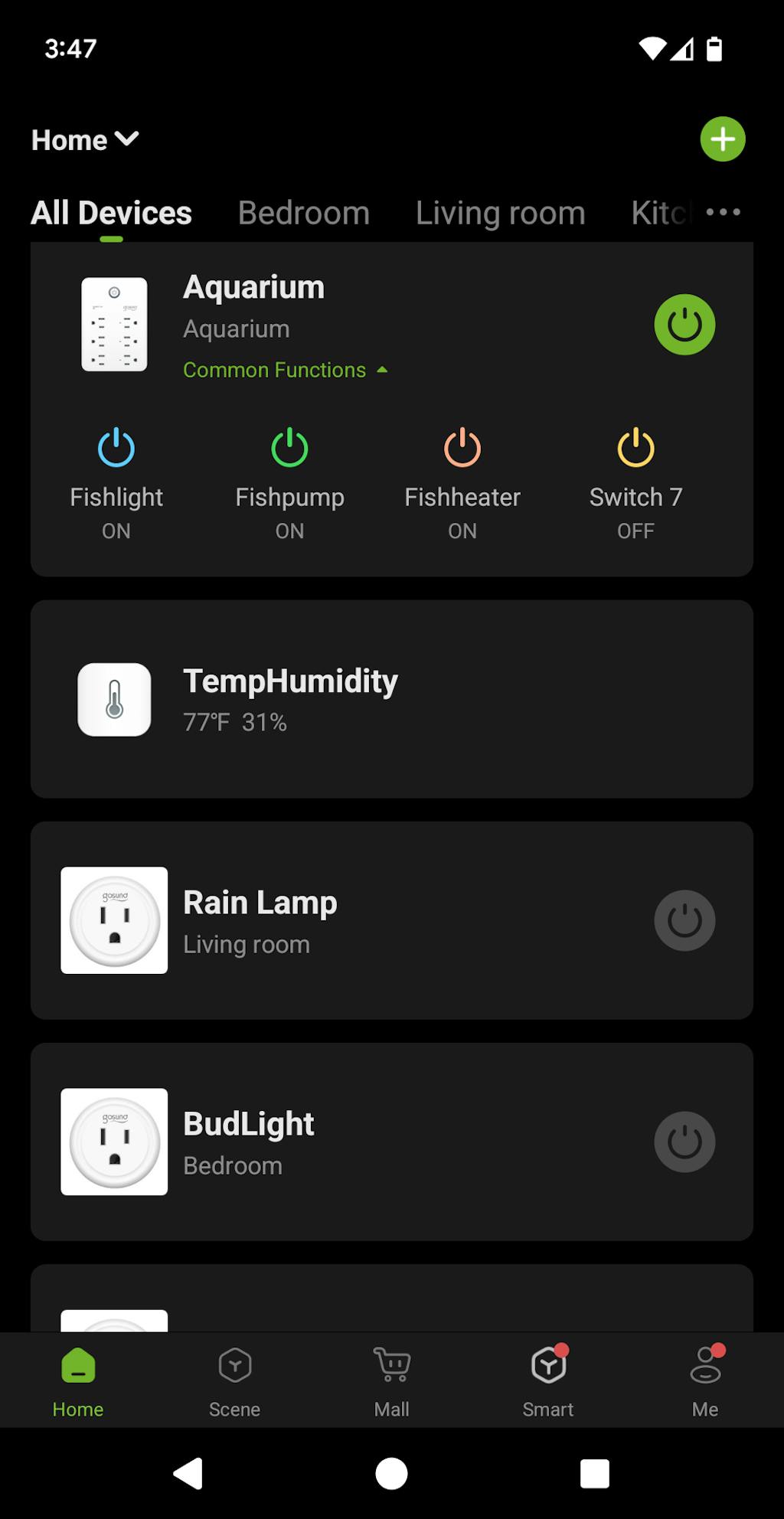
        Smart surge protector power strip support remote control via the app, no matter where you are. Set a timer to turn on/off electrical appliances when you are home or away. As a wifi plug, only supports 2.4GHz WiFi.
      • 9-In-1 Smart Home Gadgets:
        The WiFi power strip includes 3 Smart Plugs ( Individual Control, up to 15A), 3 Smart USB Ports(Group Control, 5V/3A), and 3 Always-On Plug (up to 15A) to meet the needs of continuous power supply. Multi-plug design is suitable for kitchen, bedroom, office, and travel.
      • Safety:
        Smart plug is made of high-quality materials UV- resistance yellow-proof casing. Multiple safety protections such as V0-fireproof resistance, overload protection, surge protection, short circuit protection, etc. to let you use worry-free. Support 120V, 15A maximum load.

      FAQ

      How to connect to app?

      1.Download the APP by scanning QR or searching. (Android5.0 or iOS 13.0 or above)

      2.Turn on the plug and put it close to the router when start pairing with APP.(Set your WiFi as 2.4G Wi-Fi for successful pairing)

      3.Press and hold the power button for 5-10 seconds until the indicator light will rapidly blink fast, EZ mode is available and wait for connected.

      4.Or try the second way, re-press and hold the on/off button for 5 seconds when the indicator blinking fast, then indicator light become blinking slow, AP mode is available and wait for connected.

      Connect note

      1. The smart socket only works with 2.4 Ghz network. If your router broadcasts both 2.4 and 5 Ghz, please selected the 2.4 Ghz network with the app.

      2. Once connected, you can use your phone via 4G or 5G Wi-Fi to turn on/off the smart life outlet anywhere, Please keep the smart plug stay on 2.4G Wi-Fi range always.

      Tips for Quick Connection

      1. If the smart device can't be connected to Wi-Fi, please long press On/Off button for 5~10 seconds to reset the smart plug or change the Easy mode to AP mode which is more compatible.

      2. Please try to make your smart outlet and router as close as possible when first connection, you can change the place after connecting successfully.

      © 2026 GhomeSmart, Powered by Shopify

      • American Express
      • Apple Pay
      • Google Pay
      • Mastercard
      • PayPal
      • Shop Pay
      • Union Pay
      • Visa

      Login

      Forgot your password?

      Don't have an account yet?
      Create account